
How It Works
A clear path from listing to bookings.
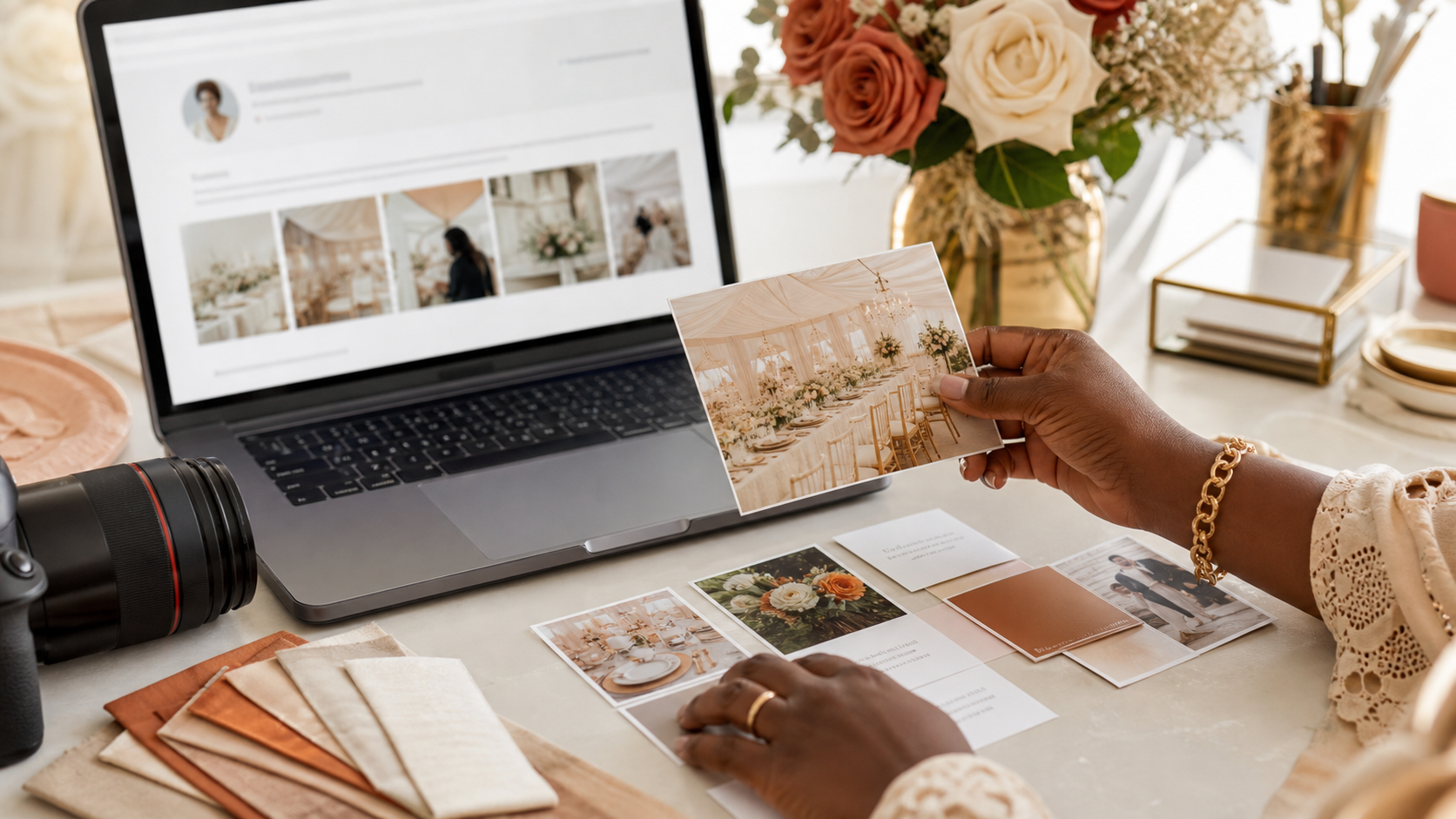
Step 1 — Create or Claim Your Vendor Profile
Start by creating a new profile or claiming an existing listing already on the platform.
Step 2 — Build Your Vendor Profile
Upload portfolio images, service details, location, and pricing range to build trust quickly.

Step 3 — Receive Leads from Brides
Brides send quote requests that arrive as leads in your dashboard.
Step 4 — Respond and Win Bookings
Reply quickly, share details, and convert interest into confirmed bookings.
Pricing and Vendor Plans
Choose the plan that matches your growth goals.
Featured Vendor Placements
Appear at the top of listings and spotlight sections.

Homepage spotlight
Category spotlight

Profile showcase
Vendor Analytics
Track performance and improve conversion.
Profile views
Leads received
Reviews & ratings
Conversion rate
Best Practices for Vendors
• Upload high-quality photos that show real weddings.
• Respond quickly to leads for higher conversion rates.
• Encourage satisfied clients to leave reviews.
FAQs for Vendors
How do I claim my listing?
Search for your business and submit a claim request with proof of ownership. Our team verifies and activates access.
How do I receive leads?
Brides send quote requests from your listing. Free shows your enquiry total; Pro lets you open and manage every lead.
Can I cancel my subscription?
Yes. You can downgrade or cancel from your vendor dashboard. Your plan remains active until the end date.
How are vendors ranked?
We blend featured placement, review quality, response rate, and profile completeness to keep results trustworthy.